Serving Central Pennsylvania and Upstate New York

Commercial Security Camera Systems vs. DIY Cameras: What Williamsport Businesses Should Know
Security cameras are more affordable and accessible than ever. A business owner can order a camera kit online, connect a few cameras, and have a basic surveillance system running in an afternoon.
But for a business in Williamsport, PA, a DIY camera system isn’t always the best choice.
Commercial security camera systems are designed around the needs of the property, the network infrastructure, video storage requirements, and the way the business expects to use its footage. Professional installation can also make a significant difference when cameras are needed to provide useful evidence after an incident.
DIY Security Cameras Can Work—But They Have Limitations
Consumer cameras can be perfectly suitable for some applications. A small property may only need one or two cameras, and cloud-connected cameras can be inexpensive and easy to install.
Businesses, however, often have more complicated requirements.
A commercial property may need to monitor:
-
Multiple entrances and exits
-
Parking lots
-
Employee entrances
-
Cash registers
-
Loading docks
-
Warehouses
-
Customer areas
-
Equipment rooms
-
Outdoor areas
-
Multiple buildings
A system with 10, 20, or even more cameras requires considerably more planning than installing a single camera at a residential front door.
Commercial Camera Systems Are Designed Around the Property
One of the biggest differences between a professional camera installation and a DIY system is the design process.
Before installing cameras, we look at what the business actually needs to see.
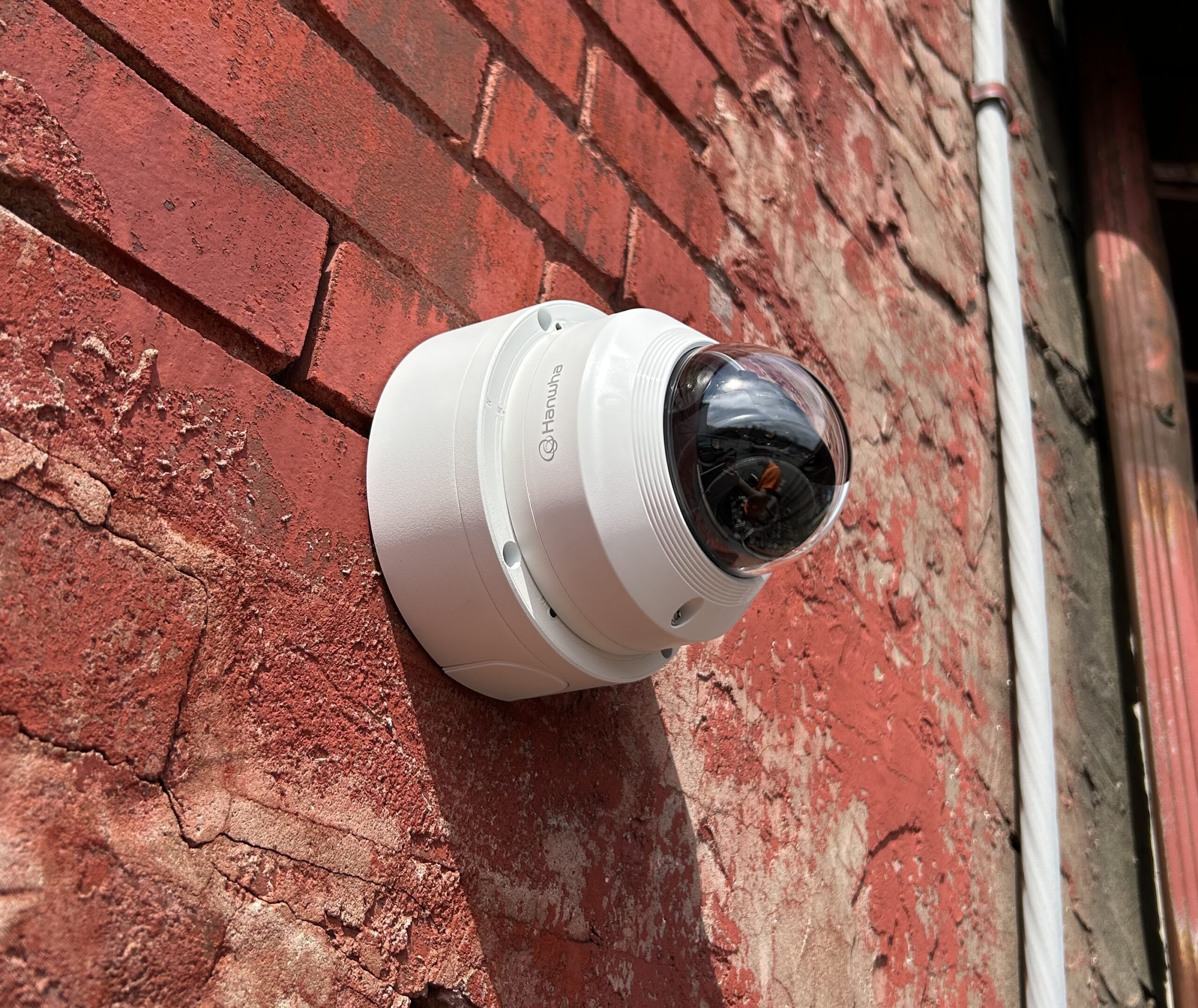
Camera placement can affect whether footage is useful when an incident occurs. A camera pointed at the wrong angle or installed too far away may record an event without capturing enough detail to identify a person, vehicle, or other important information.
We consider factors such as:
-
Camera location and mounting height
-
Field of view
-
Lighting
-
Nighttime conditions
-
Distance to the subject
-
Indoor and outdoor conditions
-
Required image detail
-
Available network infrastructure
-
Video retention requirements
The goal isn’t simply to install cameras. It’s to install cameras that provide useful coverage.
Your Security Camera System Depends on Your Network
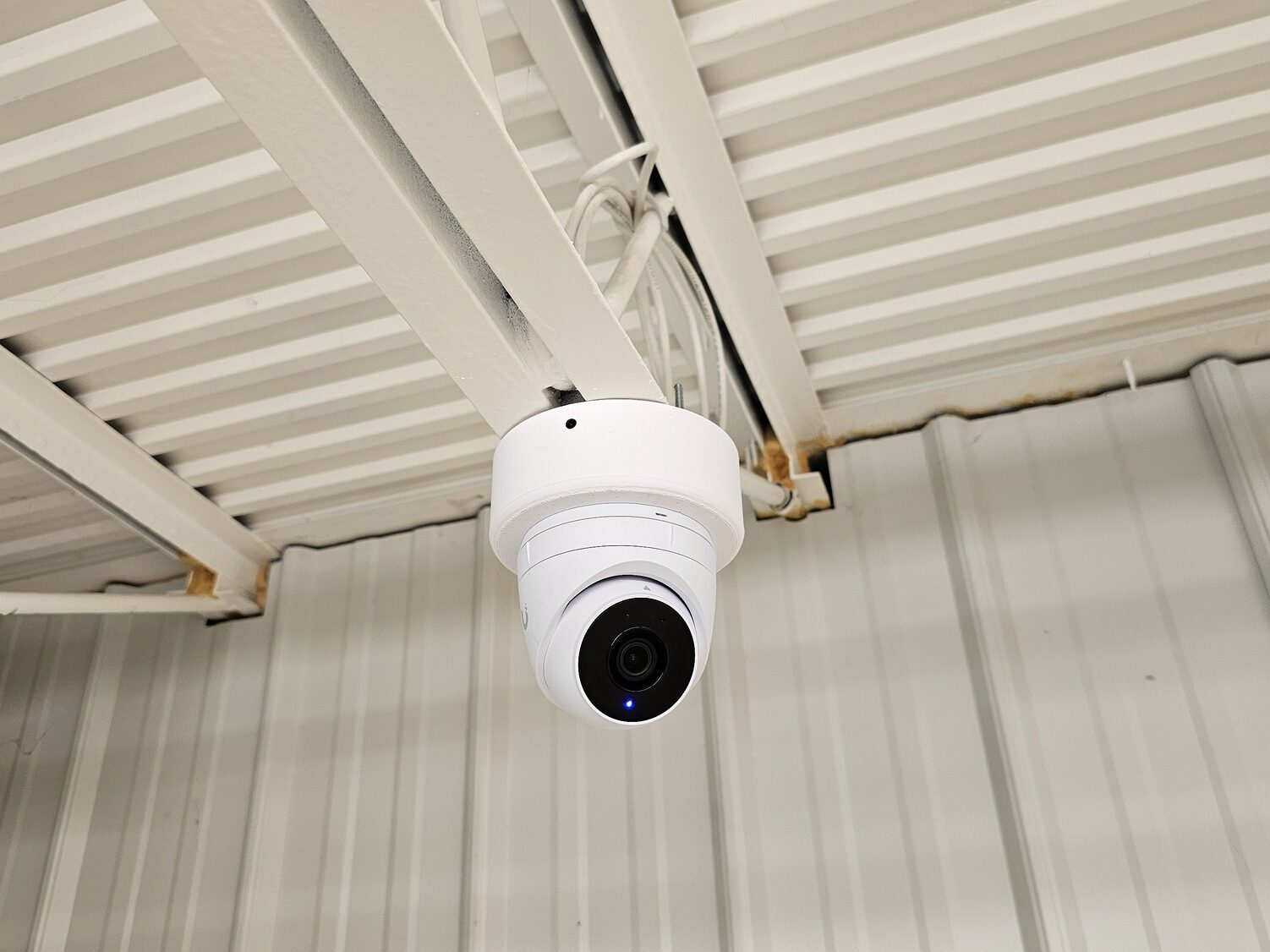
Modern commercial security cameras are typically IP-based devices, which means they communicate over a network.
That makes the business network an important part of the camera system.
A larger installation may require:
-
Power-over-Ethernet (PoE) switches
-
Dedicated network cabling
-
VLANs
-
Appropriate network bandwidth
-
Proper IP addressing
-
Reliable power
-
UPS protection
-
Secure remote access
If the underlying network isn’t designed properly, cameras can experience connectivity problems, video interruptions, or other reliability issues.
This is one reason it can be beneficial to work with an installer who understands both security cameras and business networking.
Local Recording vs. Cloud Cameras
Many consumer security cameras rely heavily on cloud services and monthly subscriptions.
Commercial systems can use a local Network Video Recorder (NVR) to store footage at the business.
Depending on the system, local recording can provide:
-
High-resolution video
-
Longer retention periods
-
Centralized camera management
-
Local access to recordings
-
No required per-camera cloud storage subscription
-
Greater control over storage capacity
Cloud and hybrid systems can also be appropriate depending on the application.
The important thing is to choose a recording solution based on how the business actually needs to use its video.
How Long Should a Business Keep Security Camera Footage?
There’s no universal answer.
A small business might only need several days of recorded video, while another organization may want 30, 60, 90 days, or longer.
Storage requirements depend on:
-
Number of cameras
-
Camera resolution
-
Frame rate
-
Compression
-
Continuous or event-based recording
-
Required retention period
For example, installing higher-resolution cameras without providing enough storage can result in recorded footage being overwritten sooner than expected.
A professional system should be sized with the desired retention period in mind.
What About Remote Camera Viewing?
Most modern commercial camera systems can provide secure remote access.
Authorized users may be able to:
-
View live cameras
-
Review recorded footage
-
Download video clips
-
Receive notifications
-
Check the status of cameras
-
Access the system from a phone, tablet, or computer
Remote access is particularly useful for business owners who aren’t always at the property.
However, remote access should be configured with security in mind. Simply exposing cameras directly to the internet is not an appropriate substitute for a properly secured remote-access solution.
Commercial Cameras Don’t Have to Mean a Monthly Camera Subscription
One of the questions we hear from businesses is whether a professional camera system requires another monthly subscription.
Not necessarily.
There are commercial camera systems that use local recording and don’t require a monthly fee simply to retain recorded video.
At Crossley Media Group, we can design systems around the customer’s requirements rather than forcing every business into the same cloud-subscription model.
Why NDAA Compliance Can Matter
Not every camera manufacturer is appropriate for every business or organization.
For businesses, government-related organizations, and other customers with procurement or security requirements, NDAA-compliant equipment may be important.
Crossley Media Group focuses on professional security-camera equipment from established manufacturers and can help determine what equipment is appropriate for a particular installation.
What Happens When Something Goes Wrong?
A camera system isn’t very useful if nobody can access the footage when it is needed.
With a professionally installed system, there is someone who understands:
-
How the cameras are configured
-
Where the recording equipment is located
-
How the network is designed
-
How remote access is configured
-
How footage is retrieved
-
What equipment was installed
This can become especially important several years after installation, when a camera needs to be replaced or footage from a particular date needs to be retrieved.
Should Your Business Replace Its Existing Camera System?
Not necessarily.
An older system may still have usable cabling, mounting locations, or other infrastructure.
Depending on the equipment, it may be possible to upgrade portions of the system rather than replacing everything.
For example, a project might involve:
-
Replacing older cameras
-
Upgrading the NVR
-
Increasing storage
-
Adding cameras to existing coverage
-
Improving network infrastructure
-
Reconfiguring remote access
We can evaluate an existing system and determine what can reasonably be reused and what should be replaced.
Professional Security Camera Installation in Williamsport, PA
Crossley Media Group provides commercial security camera installation in Williamsport, PA and throughout surrounding North-Central Pennsylvania and upstate New York.
We work with businesses, restaurants, offices, churches, commercial properties, and other organizations that need reliable video surveillance without being locked into a one-size-fits-all system.
From a small business with a few cameras to larger multi-camera installations, we can help with the camera design, network infrastructure, recording system, installation, configuration, and ongoing support.
If you’re considering a new commercial camera system or wondering whether your existing system needs to be upgraded, contact Crossley Media Group to discuss your property and requirements.
We serve Williamsport, South Williamsport, Montoursville, Lycoming County, and surrounding North-Central Pennsylvania.